🎵 How to Change Pitch Online
5 simple steps — no downloads, no sign-up, totally free
Last updated: February 18, 2026
Ready to change pitch? Skip the tutorial and start now:
Advertisement
1
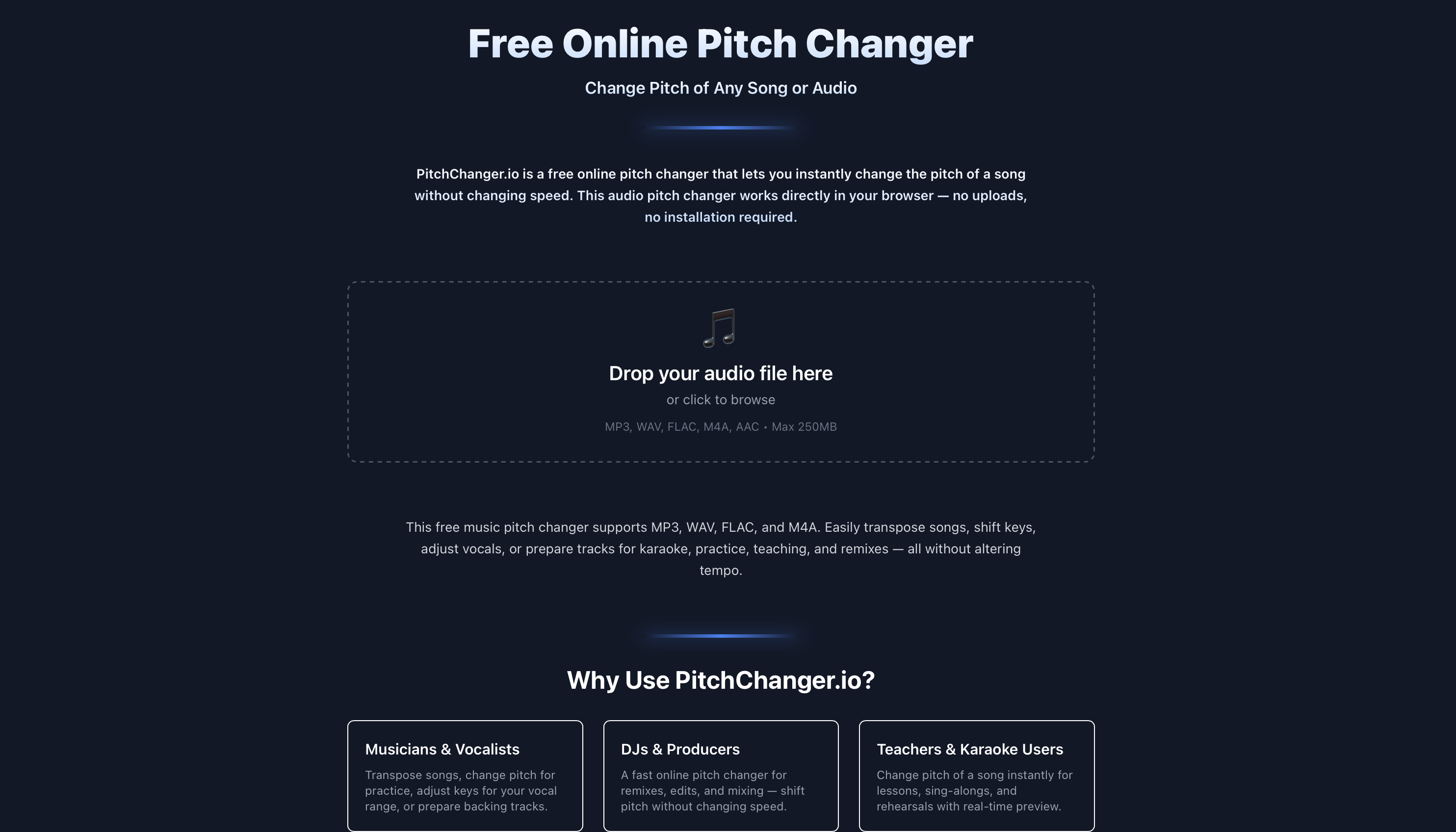
Upload your audio
Go to pitchchanger.io and drag & drop your file. Supports MP3, WAV, FLAC, M4A, AAC.
2
Adjust the pitch
Drag the slider left to lower the key, or right to raise it. Each notch is one semitone.

3
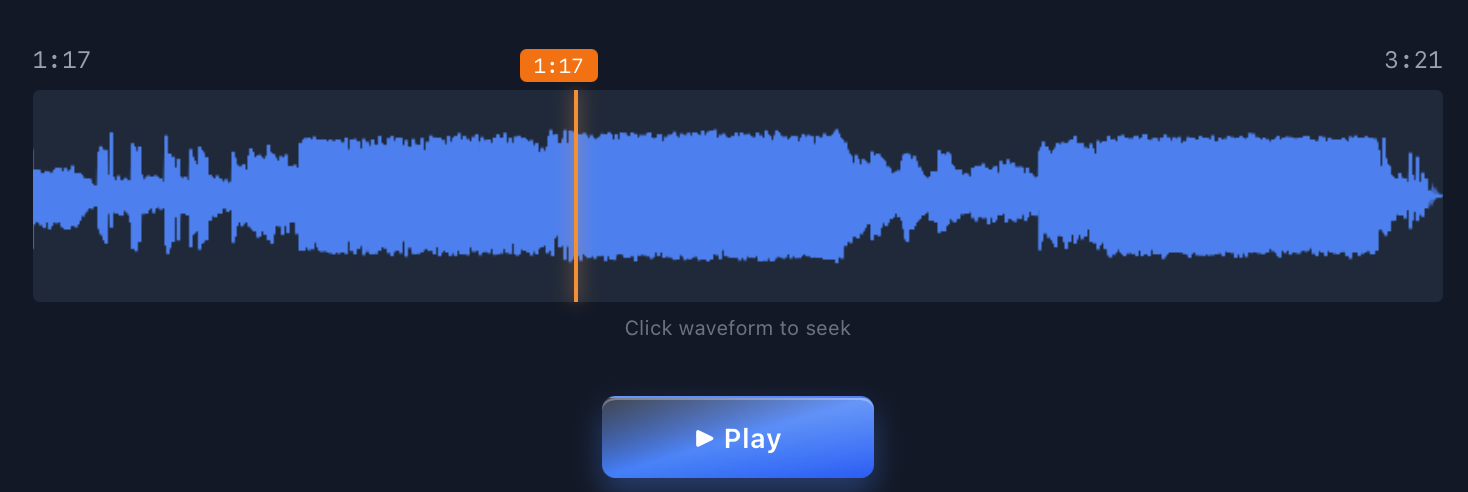
Preview your changes
Hit Play to hear how it sounds. The tempo stays the same — only the pitch changes.
4
Process the audio
Happy with the preview? Click the green button to render your pitch-shifted file.

✓
Download!
That's it! Download your new audio file and you're done.

Advertisement
💡 Quick Tips
- •Small shifts sound best — ±1 to 3 semitones keeps things natural
- •Use headphones — easier to hear if the new key fits your voice
- •100% private — all processing happens in your browser, nothing uploaded
❓ FAQ
Is this really free?
Yep, 100% free. No sign-up, no limits.
Does changing pitch affect speed?
Nope! Pitch and speed are independent. The tempo stays exactly the same.
What file types work?
MP3, WAV, FLAC, M4A, and AAC — up to 250MB.
🎹
Ready to Try It?
Change the pitch of any song in seconds — free and private.
Open PitchChanger.io →Advertisement